Notion without the bloat.
A fast, offline-first home for your notes and docs: pages inside pages, a clean block editor, tabs and split view. Your own AI can connect when you want it to.
Free. Signed and notarized for macOS 11 and later. iPhone and Android are coming.
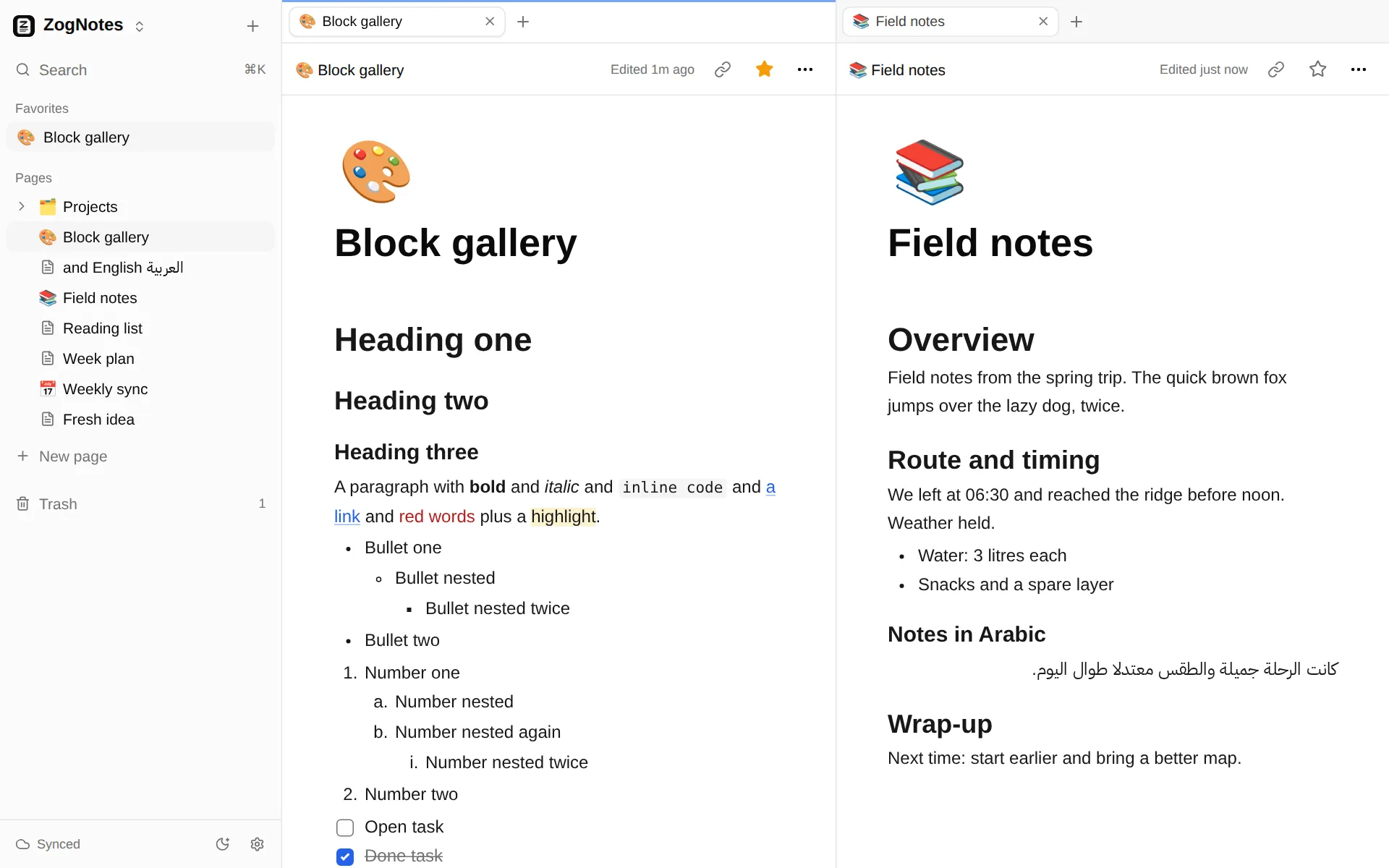
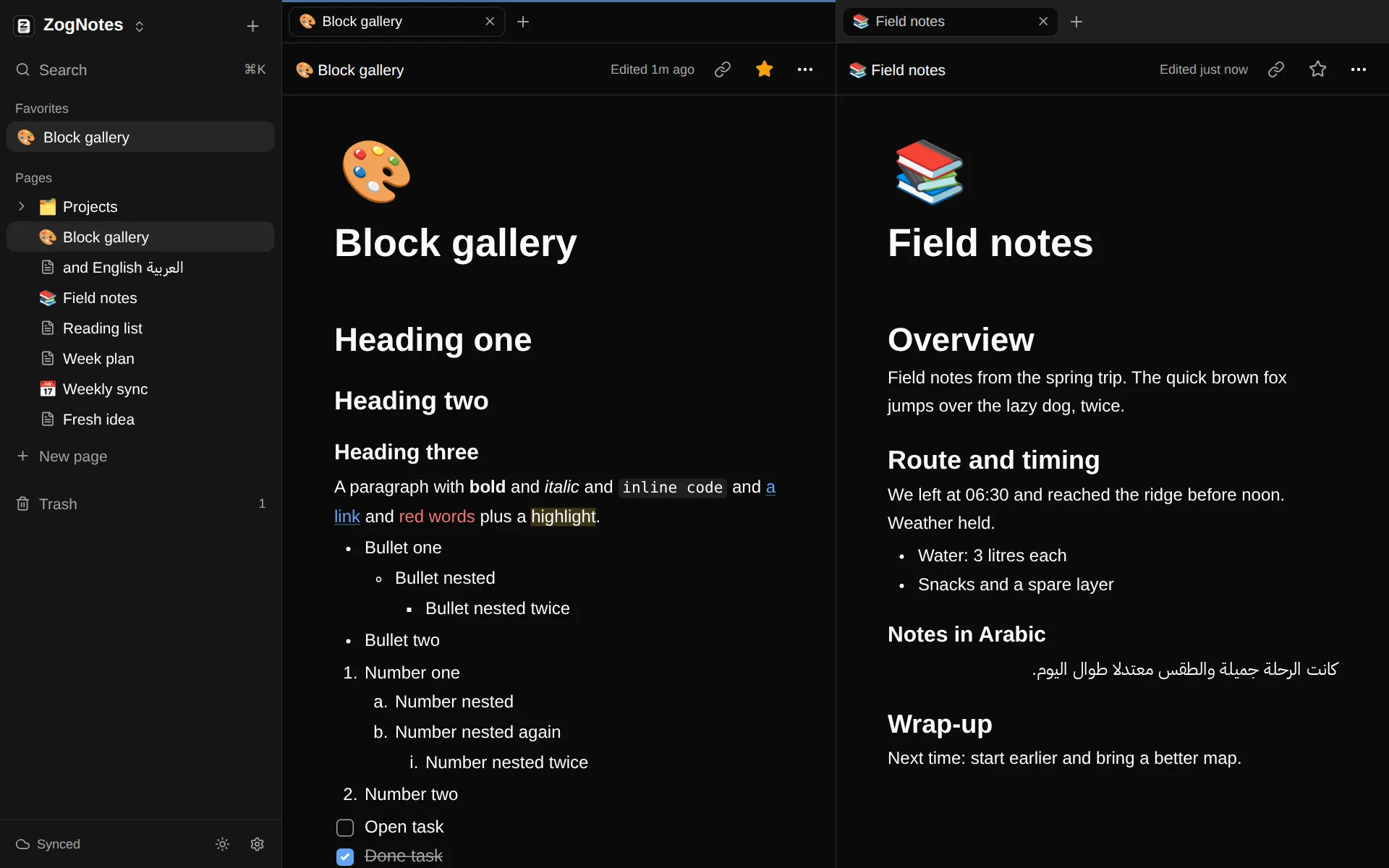
Everything a page needs. Nothing it doesn't.
The parts of Notion people use every day, built to open instantly and stay quiet.
-
Offline-first and fast
Your notes live on your device, so pages open at once, with or without a connection. Changes sync in the background.
-
Blocks that stay out of the way
Pages inside pages, slash commands, drag-and-drop blocks, to-dos, toggles and callouts.
-
Tabs and split view
Open pages in tabs and put up to four side by side. Something Notion doesn't do.
-
Version history
Every page keeps its earlier versions for 30 days. Look back at any of them and restore it.
Bring your own AI.
No built-in chatbot. ZogNotes is AI-friendly, not AI-native.
Connect Claude, ChatGPT or Cursor through MCP, the open Model Context Protocol. It can search and read your pages once you allow it. Writing is a separate permission, off unless you turn it on.
We never train AI on your notes. With write access it can create pages and add to them, but it never deletes or rewrites what you wrote.
- Server URLhttps://notes.zog-tech.com/api/mcp
- ClaudeSettings > Connectors > Add custom connector, then paste the URL.
- ChatGPTIn developer mode, create a connector with the URL and OAuth.
- CursorAdd the URL to mcp.json, then click Login under Settings > MCP.